
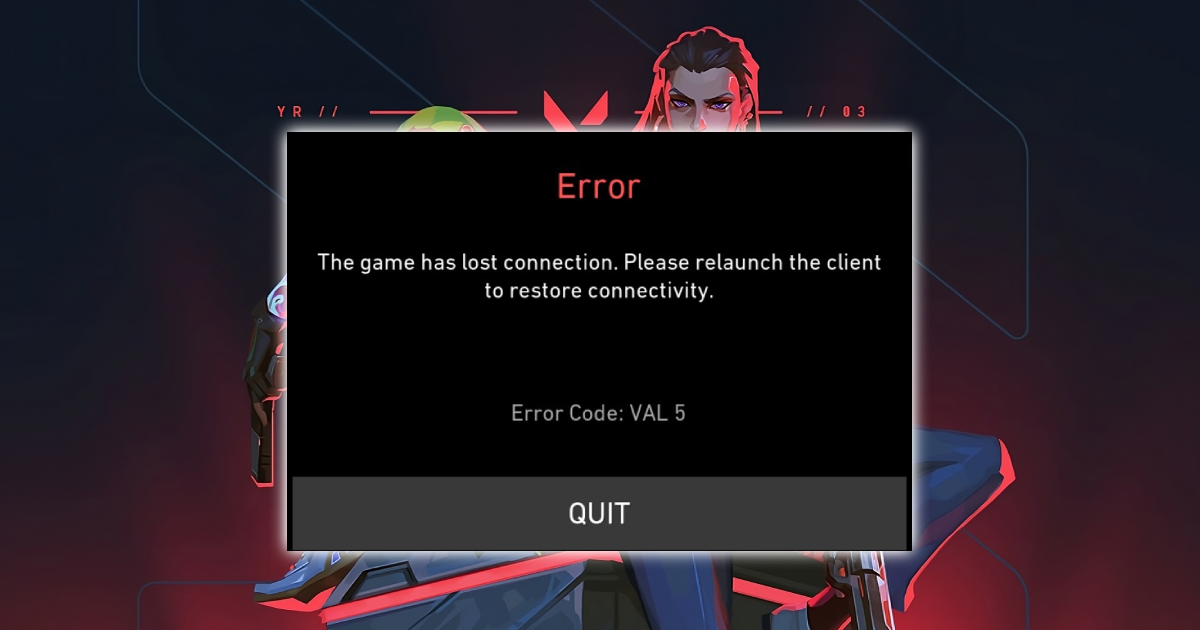

How to Remove VAL 5 Error in Valorant | ZADEYO Guide
If you are getting the VAL 5 error in Valorant, it usually means there is a connection problem between your game and Riot servers. Many players think it is a ban, but most of the time it is not.
This guide by ZADEYO will show you how to remove VAL 5 error in Valorant step by step.
What is VAL 5 Error in Valorant
VAL 5 error happens when your session gets disconnected or your account is logged in from another device.
You may get kicked out of the game or see a connection error message.
How to Fix VAL 5 Error in Valorant
Follow these steps to remove VAL 5 error properly.
Restart your system and internet
Close Riot Client completely. Restart your PC and your router. Then open Riot Client again as administrator.
Log out from all devices
Go to your Riot account settings and log out from all sessions. This fixes account conflict which is a common reason for VAL 5 error.
Check Valorant server status
Visit Riot server status page and confirm servers are online. If servers are down, wait until they are back.
Reset your network settings
Open Command Prompt as administrator and run the following commands
netsh winsock reset
netsh int ip reset
ipconfig /release
ipconfig /renew
ipconfig /flushdns
Restart your PC after running these commands.
Repair Valorant files
Open Riot Client. Go to settings and select Valorant. Use the repair option to fix corrupted files.
Reinstall Riot Vanguard
Uninstall Riot Vanguard from control panel. Restart your PC. Launch Valorant again and Vanguard will install automatically.
Avoid common problems
Do not use VPN while playing Valorant
Close apps like Discord overlay or Nvidia overlay
Do not stay logged in on multiple devices
Always restart your PC after making changes
Is VAL 5 Error a Ban
VAL 5 error is usually not a ban. It is mainly a connection or session issue. If the error keeps happening even after all fixes, then you should check your account status with Riot support.
ZADEYO Final Words
Most VAL 5 errors can be fixed in a few minutes if you follow the correct steps. Focus on connection, account sessions, and Vanguard issues.
ZADEYO provides simple and real guides to help you fix Valorant problems without confusion.